
Getting the right dose of medicine for a child isn’t just tricky-it’s life-or-death. A child’s body doesn’t process drugs the same way an adult’s does. Too little, and the medicine won’t work. Too much, and it can cause serious harm-or even death. That’s why pediatric dose tracking isn’t optional. It’s essential. And today, the best tools aren’t paper charts or memory. They’re apps and digital dosing charts designed specifically for kids.
Why Pediatric Dosing Is So Different
Adult medications usually come in standard doses: one pill, one teaspoon, one injection. Kids? Not so simple. Their dose depends on weight, age, kidney function, and sometimes even body surface area. A 15-pound infant needs a completely different amount of acetaminophen than a 70-pound third-grader. Even small mistakes can be dangerous.Studies show pediatric medication errors happen up to three times more often than in adults. Why? Manual calculations. Trying to do math in your head during a feverish 3 a.m. moment? That’s when mistakes happen. A parent might misread a label. A nurse might mix up pounds and kilograms. A doctor might forget to adjust for a recent weight gain.
That’s where digital tools step in. They remove guesswork. They auto-calculate. They remind you. And they save lives.
Clinician Tools: What Hospitals Use
In emergency rooms and pediatric wards, professionals rely on apps built for speed and accuracy. The most trusted is Pedi STAT. Developed by emergency doctors at Connecticut Children’s Medical Center back in 2009, it was created for one reason: to stop deadly errors during high-pressure moments.Pedi STAT lets you enter a child’s weight in kilograms (or pounds-it converts automatically), tap a drug name, and get the exact dose in seconds. It covers over 200 pediatric medications, including emergency drugs like epinephrine and albuterol. In a 2022 study, clinicians using Pedi STAT calculated doses in under 3 seconds-compared to nearly 19 seconds with paper charts. And error rates dropped from 12% to under 3%.
Another favorite is Epocrates. It’s not just for kids-it’s used by doctors across specialties. But its pediatric dosing module is powerful: it checks for drug interactions, alerts you to allergies, and updates with the latest guidelines. It’s free for basic use, but the premium version ($175/year) includes advanced pediatric features and is used in over 80% of U.S. children’s hospitals.
Then there’s PedsGuide from Children’s Mercy Kansas City. It’s not for parents. It’s for hospital staff. It requires institutional access and integrates with electronic health records like Epic and Cerner. It’s the gold standard in clinical settings-but useless at home.
Parent Apps: What You Can Use at Home
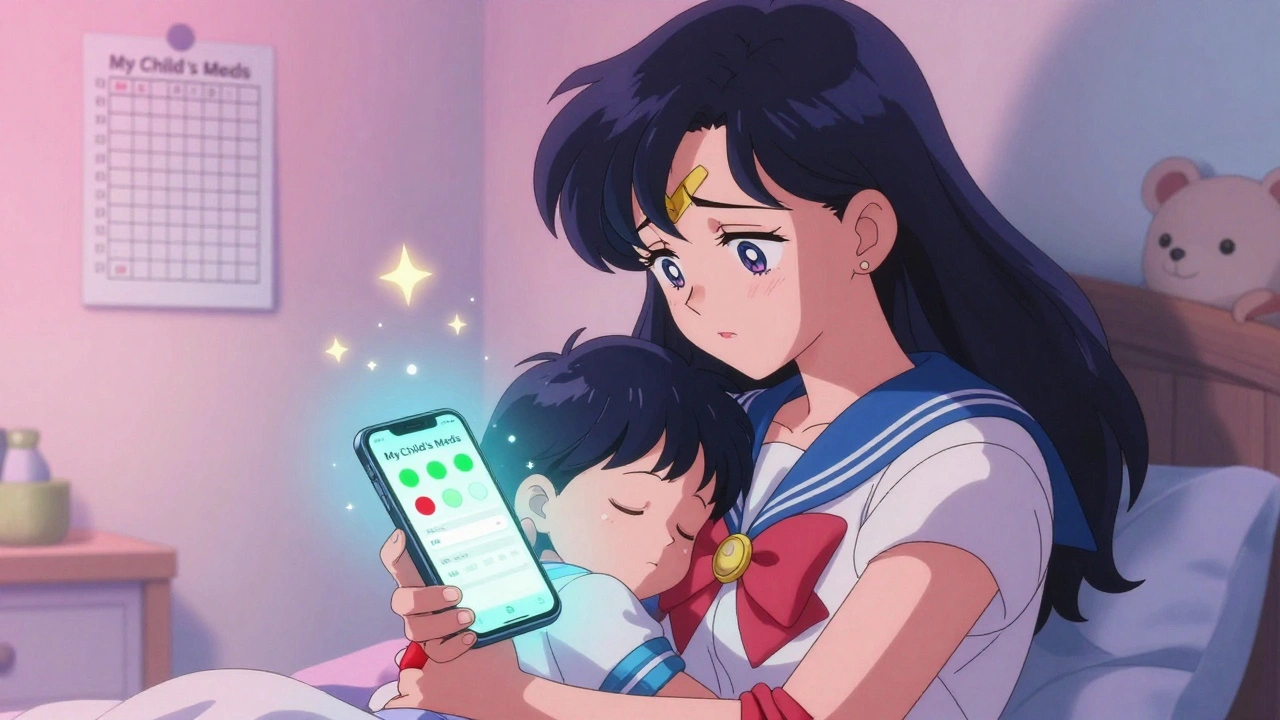
At home, you don’t need a medical database. You need simplicity, reminders, and peace of mind.My Child’s Meds is the top choice for families. Developed with input from the Royal College of Paediatrics and Child Health, it lets you add each child’s medications, set reminders for doses, and track what was given and when. It uses color-coded icons-green for given, red for missed-to make it easy to spot mistakes. One parent in Seattle told me, “It saved us from giving Tylenol twice in one night. I thought I’d already done it.”
The app also blocks double dosing. If you try to schedule another dose too soon, it won’t let you. It stores medication records securely and even lets you share a summary with your pediatrician-no more frantic phone calls asking, “What did we give yesterday?”
Another solid option is NP Peds MD. It doesn’t calculate doses. Instead, it gives you clear, pediatrician-approved dosing charts for common over-the-counter meds like ibuprofen and amoxicillin. You look up your child’s weight, find the line, and give the right amount. No math. No guesswork. Just a visual guide.
And here’s the kicker: a 2023 study found that parents using NP Peds MD’s charts got the dose right 78% of the time. With paper charts? Only 52%.
What Not to Use
Not all apps are created equal. Some are just digital notebooks. Others are dangerous.Apps like Child Medical History ($3.99 on iOS) only let you type in what you gave. They don’t calculate anything. If you enter the wrong weight, you’ll get the wrong dose-and the app won’t warn you.
Even worse? Free apps on Google Play with no clinical backing. In 2024, a 22-month-old in Texas got a 300% overdose of ibuprofen because his mom used a free app that assumed weight was in kilograms-but she entered it in pounds. The app didn’t flag it. The hospital had to pump her child’s stomach.
And don’t trust apps that claim to be “FDA-approved” unless they’re labeled as medical devices. Most consumer apps aren’t regulated. They’re just wellness tools. That means no one’s checking if their math is right.
How to Use These Tools Safely
Even the best apps can fail if you don’t use them right.Always double-check the units. Kilograms or pounds? Make sure your app knows which one you’re using. Most apps let you toggle, but if you forget, you’re in trouble.
Verify the dose. If the app says 5 mL, check the bottle. Does the syringe match? Does it match the label? Don’t assume the app is perfect.
Keep a paper backup. Phones die. Apps crash. Power goes out. Always have a printed dosing chart from your pediatrician or pharmacy handy.
Update your child’s weight regularly. Kids grow fast. If your 2-year-old gained 4 pounds since last month, update the app. Outdated weight = wrong dose.
Reconcile with your pharmacy. Every week, compare what’s in your app to what your pharmacist says you’re supposed to be giving. Sometimes prescriptions change. Sometimes refills get mixed up.
The Big Problem: No One Talks to Each Other
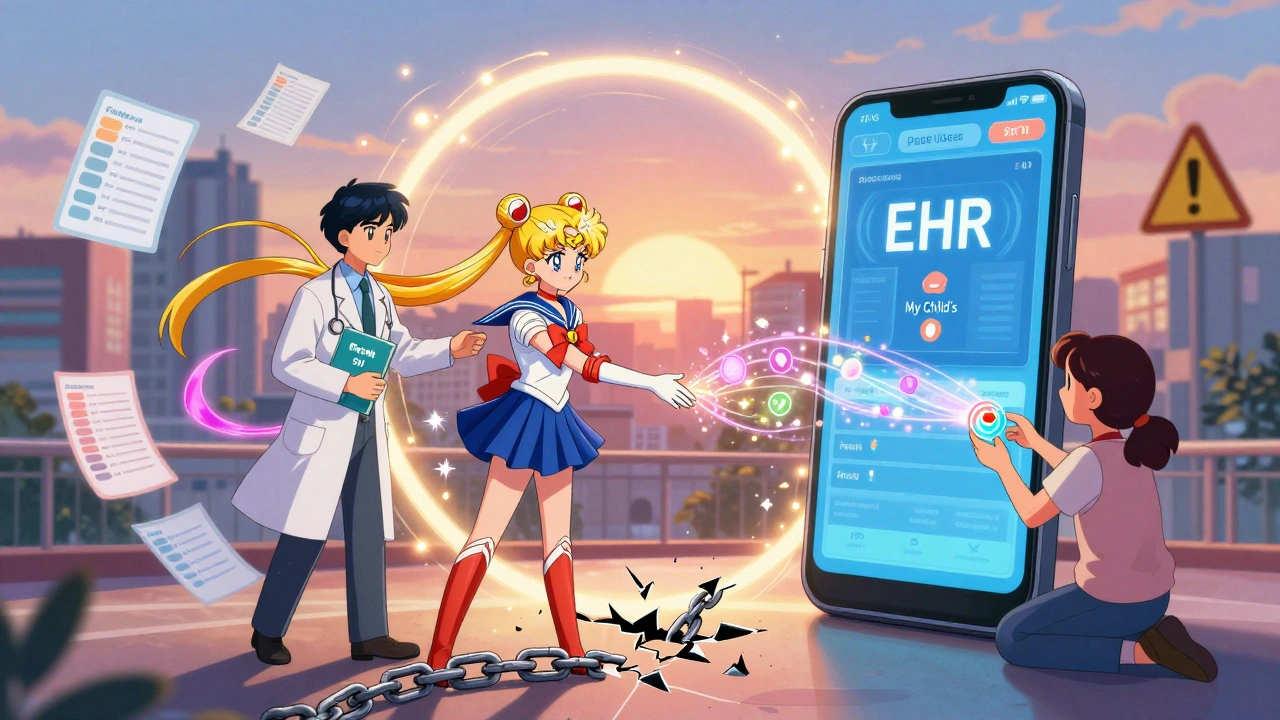
Here’s the frustrating part: hospital apps and home apps don’t talk to each other.Your child gets discharged from the hospital with a new medication. The nurse gives you a paper sheet. You enter it into My Child’s Meds. But the hospital’s system? It’s on Pedi STAT. No connection. No sync. Eighty-seven percent of medication errors in kids happen during care transitions-from hospital to home, from ER to pediatrician.
That’s why tools like ChildrensMD are trying to fix it. They now have a “Share with Provider” button that lets you email a medication list directly to your doctor’s office. Early results show it cuts information gaps by 57%.
But until all systems are linked-until your child’s EHR talks to your phone app-we’re still playing a dangerous game of telephone.
What’s Coming Next
The future is getting smarter.Pedi STAT is testing AI that predicts when a dose might be wrong-like if a parent tries to give two meds that interact, or if a child’s weight hasn’t been updated in months. Boston Children’s Hospital is trialing smart pill dispensers that only open when it’s time to give the right dose-and send a notification to your phone if it’s skipped.
By 2027, experts predict 95% of pediatric doses in hospitals will be verified digitally. That’s huge. But the real win? When home apps and hospital systems finally talk to each other. That’s the goal of HIMSS, the healthcare tech group. Their new data-sharing standard is expected to launch in late 2025.
Until then, use what works. Trust the tools that are built for kids. Avoid the ones that aren’t. And never stop double-checking.
Final Checklist: Your Pediatric Dose Tracking Plan
- Choose one trusted app: My Child’s Meds for home, Pedi STAT or Epocrates if you’re a provider.
- Enter your child’s current weight in kilograms (ask your doctor if unsure).
- Set reminders for every dose-morning, night, as needed.
- Use visual charts (like NP Peds MD) for OTC meds if you’re not tech-savvy.
- Print a backup dosing sheet and keep it in your wallet or diaper bag.
- Update weight every 4-6 weeks.
- Reconcile with your pharmacy weekly.
- Never use an app that doesn’t explain how it calculates doses.
Medication safety isn’t about technology. It’s about habits. Apps make it easier. But you’re still the final line of defense. Use them wisely.
Can I trust free pediatric dose apps from the app store?
Only if they’re from a trusted medical source like a children’s hospital or pediatric association. Most free apps are not clinically validated. They may look helpful, but they don’t check for errors, don’t update guidelines, and often don’t even convert pounds to kilograms correctly. Stick to apps like My Child’s Meds or NP Peds MD, which are developed with pediatric pharmacists and have been tested in real-world use.
What’s the difference between Pedi STAT and My Child’s Meds?
Pedi STAT is for doctors and nurses in hospitals. It’s built for speed in emergencies, with access to 200+ drugs and auto-calculation for life-saving meds. My Child’s Meds is for parents at home. It doesn’t calculate doses-it helps you track what you’ve given, set reminders, and avoid double dosing. They serve different roles. One saves lives in the ER. The other prevents mistakes at bedtime.
Do I still need to use paper dosing charts?
Yes. Always. Apps can fail. Phones die. Batteries drain. A printed dosing chart from your pediatrician or pharmacy is your backup. Keep one in your diaper bag, car, and kitchen drawer. Even if you use an app 99% of the time, that 1% when tech fails is when mistakes happen.
How do I know if my child’s weight is entered correctly?
Ask your pediatrician for your child’s current weight in kilograms. Most apps let you switch between pounds and kilograms-make sure you’re using the unit they recommend. If your child gained or lost weight since your last visit, update the app immediately. A 2-pound difference can change a dose by 10% or more.
Are these apps HIPAA compliant?
Clinical apps like Pedi STAT and PedsGuide are HIPAA-compliant because they’re used in hospitals and store data securely. Consumer apps like My Child’s Meds are not required to be HIPAA-compliant since they’re for personal use. But they still use encryption and local storage to protect your data. Never upload your child’s health records to an app that doesn’t clearly explain its privacy policy.

Sangram Lavte
December 8, 2025 AT 09:41App-based dosing is a game changer, but I still keep a printed chart in my wallet. Phones die, apps glitch, and when your kid’s fever is spiking at 2 a.m., you don’t want to be fumbling with a dead battery.
Oliver Damon
December 9, 2025 AT 20:36The real systemic failure isn’t the lack of apps-it’s the fragmentation of data ecosystems. Pedi STAT and My Child’s Meds operate in silos because healthcare IT infrastructure is built on 1990s paradigms. Interoperability isn’t a feature; it’s a public health imperative. Until HL7 FHIR becomes mandatory across all pediatric platforms, we’re just automating the same errors with better UI.
Kurt Russell
December 11, 2025 AT 19:36THIS. RIGHT HERE. I used to wing it with paper charts until my daughter had a near-miss with ibuprofen. Then I downloaded My Child’s Meds. Now I get notifications, color-coded logs, and it blocks me from double-dosing. It’s not just convenient-it’s saved my sanity. If you’re a parent and you’re not using something like this, you’re playing Russian roulette with your kid’s liver. Do it. Today. No excuses.
Ryan Sullivan
December 12, 2025 AT 14:28Let’s be honest: most parents shouldn’t be trusted with dosing algorithms. The fact that we’ve outsourced medical decision-making to smartphone apps built by bootstrapped devs with no pharmacology training is a catastrophe waiting to happen. NP Peds MD might be marginally better than free garbage, but it’s still a crutch. Real medicine requires training, not tap-and-go.
Wesley Phillips
December 14, 2025 AT 10:19So Pedi STAT is for docs and My Child’s Meds is for moms… and somehow we’re still surprised when kids get overdosed? We’ve turned pediatric medicine into a mobile game where the only rule is ‘hope for the best.’ Meanwhile, the hospital system won’t talk to the app, the app won’t talk to the pharmacy, and the pharmacy doesn’t even know what the kid weighs. We’re not fixing healthcare-we’re just adding more notifications.
Desmond Khoo
December 16, 2025 AT 05:09OMG YES. I started using My Child’s Meds after my son got a wrong dose at the ER. Now I never panic. I have reminders, history, and even a shareable PDF for pediatricians. 🙌 It’s the only app I’ve ever kept for more than a week. If you’re a parent, just download it. Your future self will thank you.
Louis Llaine
December 17, 2025 AT 20:55Wow. A 78% success rate with NP Peds MD? That’s basically flipping a coin and hoping it lands on ‘not dead.’ And you’re calling that progress? Meanwhile, the guy who wrote this article probably has a PhD and a subscription to Epocrates Premium. Meanwhile, I’m just trying to get my 2-year-old to swallow something that doesn’t taste like regret.
Jane Quitain
December 19, 2025 AT 04:30i just started using my child’s meds and its been such a relief!! i used to write everything on sticky notes and lose them or forget what i gave… now i have it all in one place and it even reminds me when its time. i dont know how i lived without it. thank you for sharing this!! 😊
Kyle Oksten
December 20, 2025 AT 10:24App dependency is not safety. It’s convenience dressed as security. The real solution is better training for caregivers, standardized dosing protocols across all healthcare touchpoints, and mandatory pediatric pharmacology certification for anyone prescribing or administering meds to children. Technology can assist-but it can’t replace judgment. And judgment is what’s missing here.
Sam Mathew Cheriyan
December 21, 2025 AT 12:23all these apps are just a distraction. the real problem is big pharma pushing meds on kids and the FDA letting them. why do toddlers even need ibuprofen? why not just give them water and rest? i think these apps are designed to make parents feel like they’re doing something when really they’re just being manipulated into giving more chemicals. also, did you know the weight conversions in these apps are sometimes backwards? i read a forum where someone’s kid got 3x the dose because the app assumed pounds were kg. i’m not trusting any app ever again.
Ernie Blevins
December 22, 2025 AT 03:41Parents are dumb. Apps are dumb. The whole system is dumb. You think a $3.99 app is going to stop someone from misreading a label? Nah. The only thing that works is a nurse standing over you with a syringe and a clipboard. Everything else is just theater.
Nancy Carlsen
December 22, 2025 AT 16:25As a mom of twins and a pediatric nurse, I can’t tell you how many times I’ve seen families panic because they didn’t know what dose to give. My Child’s Meds and NP Peds MD are lifelines. 🌟 And yes, paper backups are non-negotiable. I keep one taped to my fridge and one in my diaper bag. No tech is perfect, but these tools? They’re the closest thing we have to a safety net. Please, if you’re reading this-download one. You won’t regret it.
Ted Rosenwasser
December 23, 2025 AT 19:39Let’s not pretend these apps are revolutionary. Epocrates has been around since 2001. Pedi STAT is just a glorified calculator with a better UI. The real innovation? The fact that parents are still using paper charts in 2025. If you’re not integrating with Epic or Cerner, you’re not in the game. And if you’re using a consumer app without FDA Class II clearance? You’re not a parent-you’re a liability.